The lines SAP will hold
The quotation lines are the configured product's parts, priced as you saw them, ready for SAP.
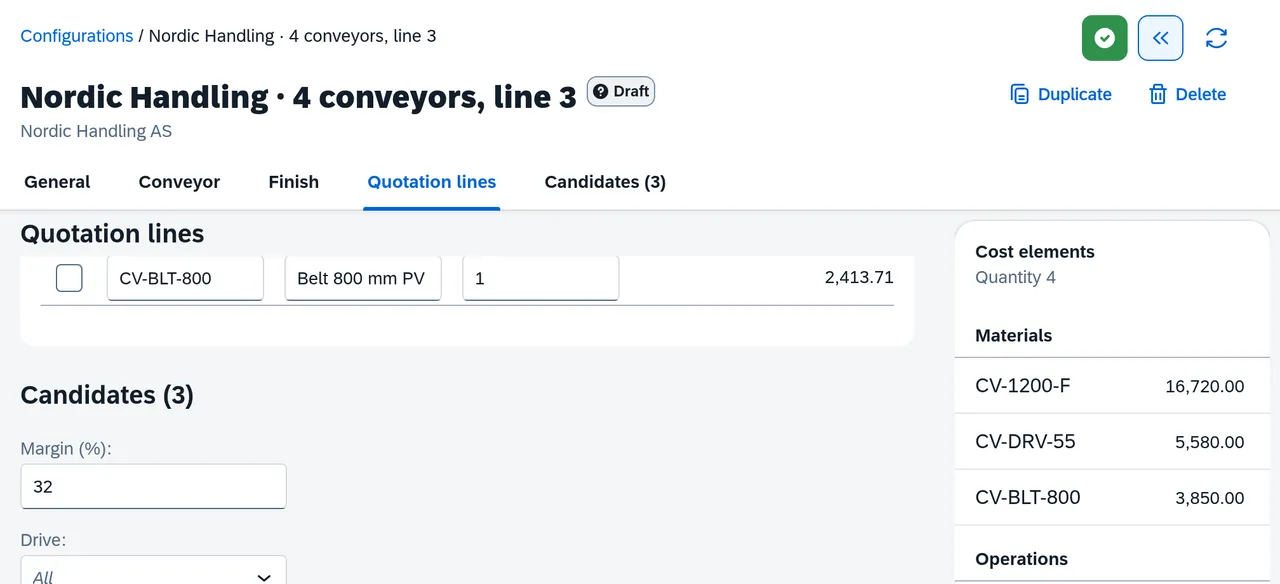
The quotation lands in SAP as if typed by hand: once, alternatives as one offer, copied to order, printed in SAP's own layout and mailed from your Microsoft 365 mailbox.
Book a demo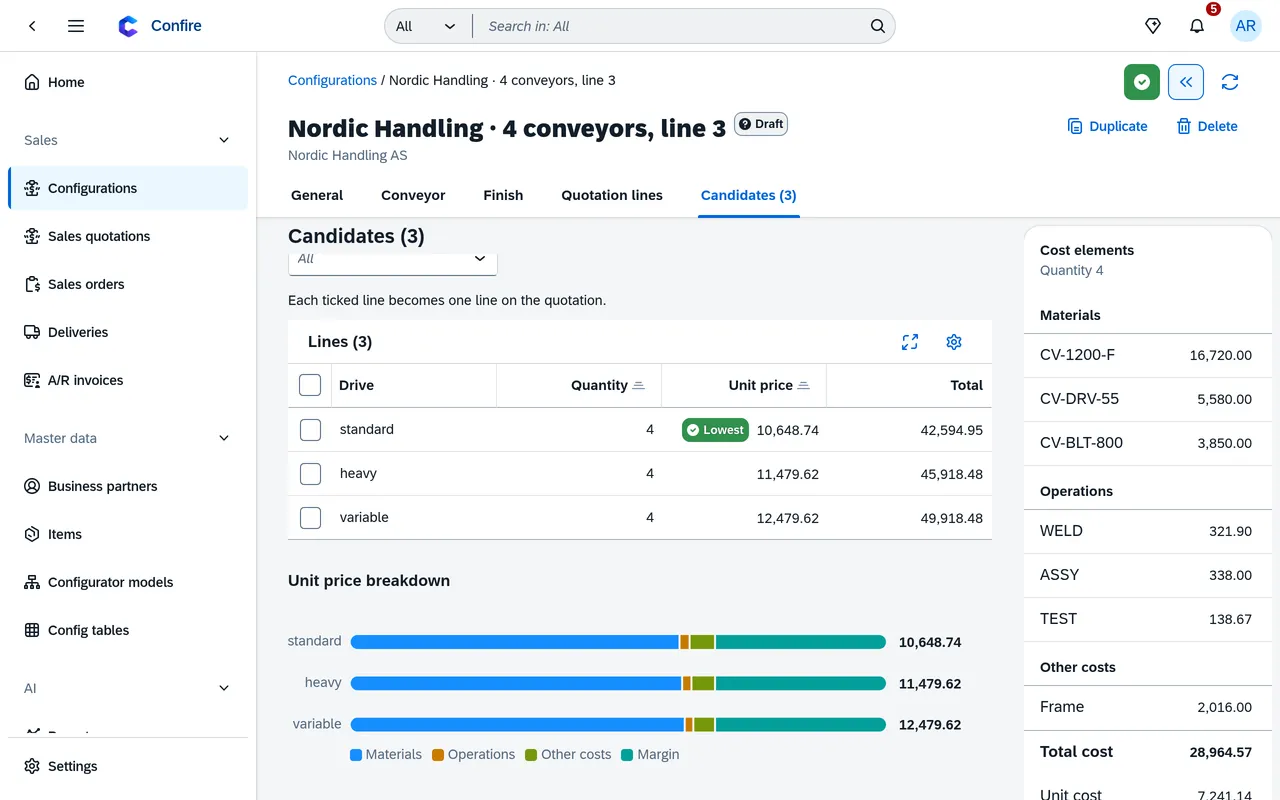
The quotation lines are the configured product's parts, priced as you saw them, ready for SAP.
Each quotation carries a key that is checked before anything is created, so a double click or a lost connection never makes a second one.
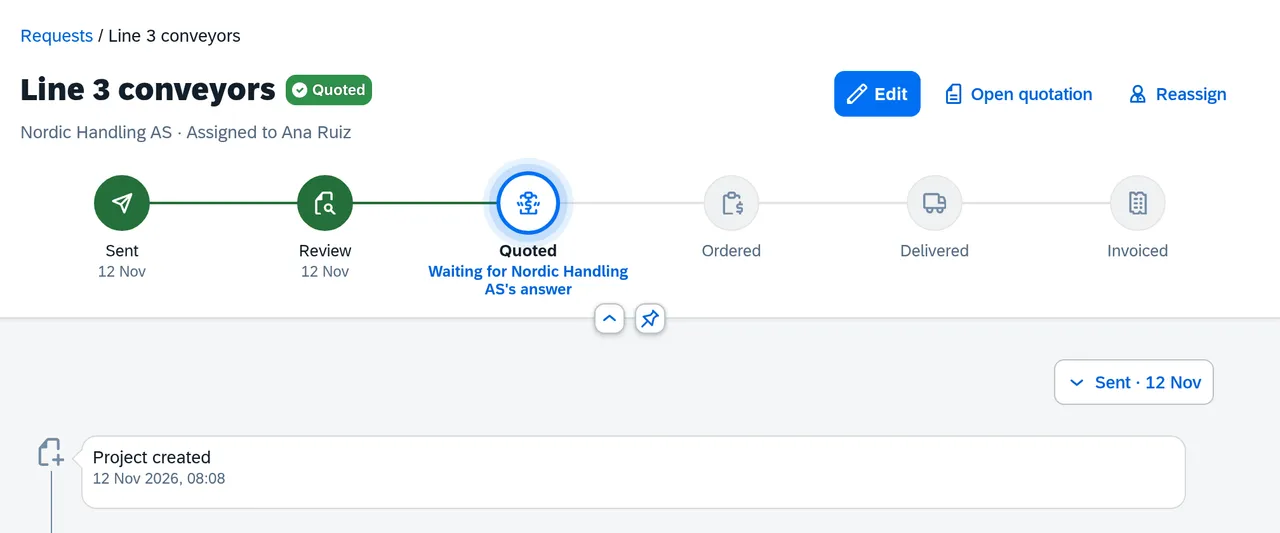
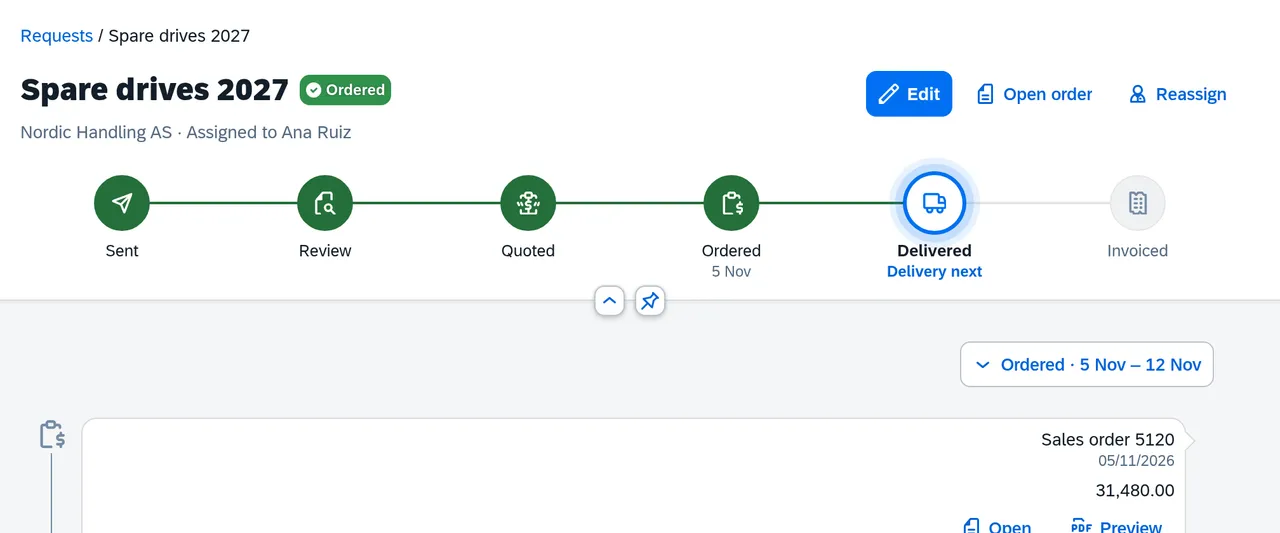
Copy the quotation to an order and SAP links the documents; the request moves on by itself.
No. A key written to SAP is checked before every post, so a retry finds the quotation it already made.
Yes. Several picks become one offer: the first line counts, the others are alternative lines SAP leaves out of the total.
Yes, from your own Microsoft 365 mailbox, with the PDF in SAP's own layout attached, so replies reach you.
| Description | Duration | Price |
|---|---|---|
| Live demo on your product | 30 min | EUR 0.00 |